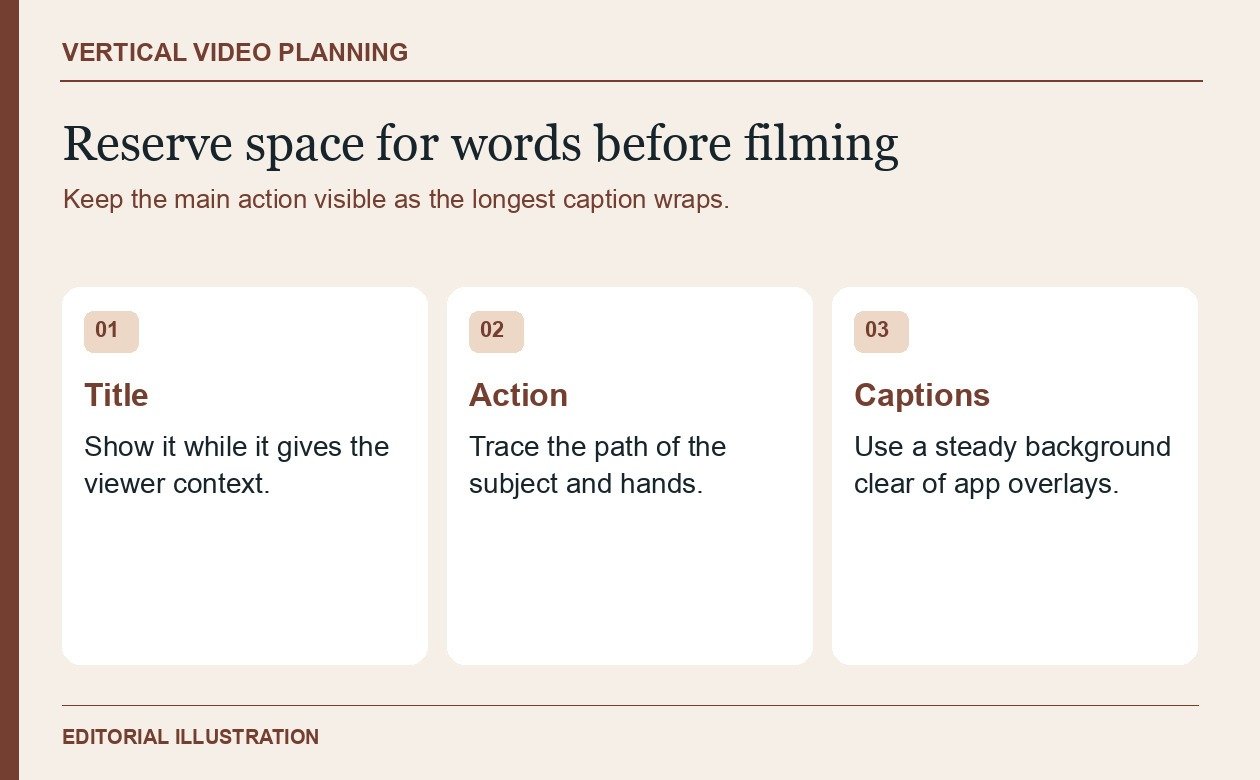
Set aside a low-detail area for captions before you shoot or generate the background. Keep the face, hands, or product demonstration outside that area throughout the important action. Then test the final video with actual caption lines on a phone. A beautiful still frame can fail when someone walks into the text area or the background brightens halfway through a sentence.
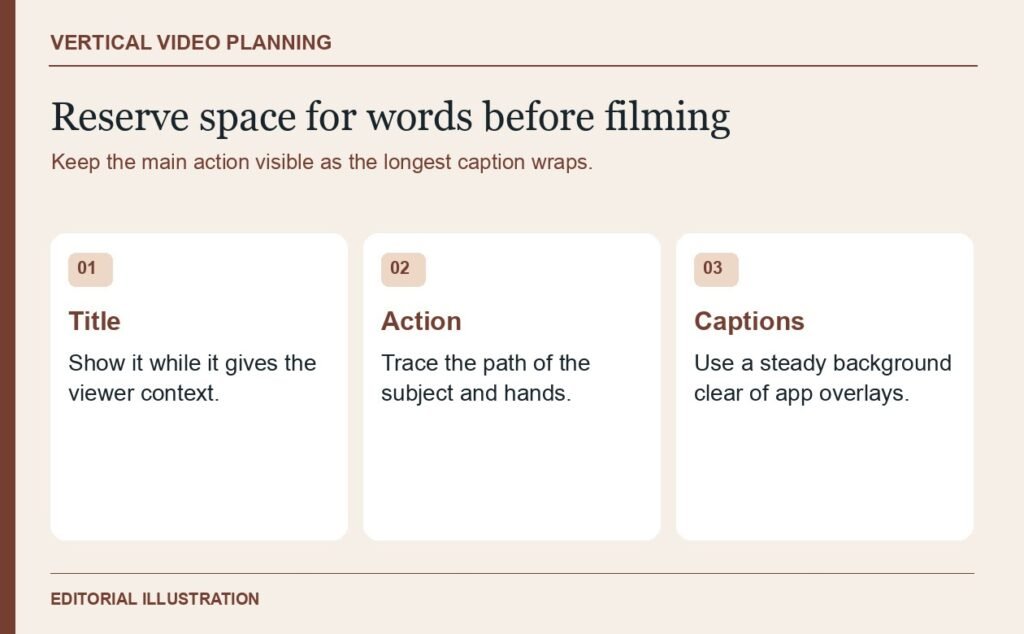
Build the frame around the hardest line to read
Write one representative caption before storyboarding. Pick a sentence whose longest part is likely to wrap. If people need to read “Fold the flap under the front lip,” put that line over your planned shot while the hands are at their busiest. Ask which detail has to remain visible. A viewer needs the moving flap and both hands during the instruction, while a coffee mug at the edge of the table can move.
Draw a simple 9:16 rectangle and sketch the subject’s action at the beginning, middle, and end. Reserve an area that stays relatively calm through those beats. A space beside the speaker can work for a title. A quieter open stretch nearer the speaker may work for captions. Fit both to the app’s preview guides and keep important material clear of app controls. The control layout can change by platform or device, so confirm the actual placement instead of relying on one universal margin.
If the subject is a product rather than a person, trace the parts the viewer must see. Put a caption on the opposite side from a hinge, label, cutting edge, or control that is being demonstrated. A useful shot plan identifies the quiet area and names which action it protects.
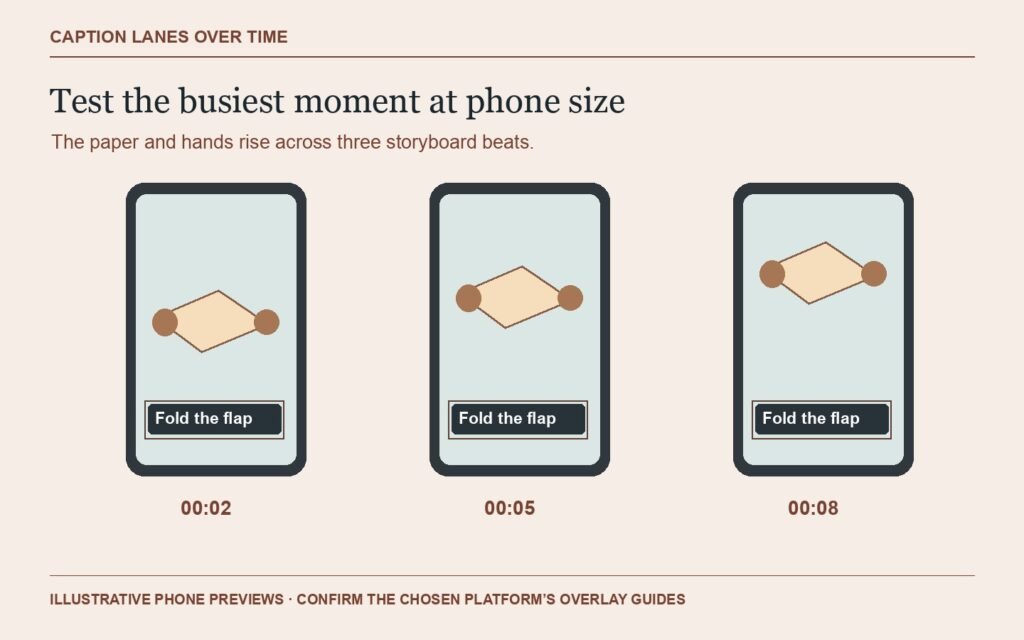
Check the same caption lane at the start, middle and busiest point of the shot.
Give the words a stable surface
A changing texture can make white text alternate between legible and faint. Leaves, reflections and a shelf of packaging all have small highlights that move under the letters. A painted wall or a plain tabletop gives the same words a more predictable background. During a shoot, turn the scene slightly or simplify what is behind the caption. For an existing clip, try a dark backing plate with sufficient opacity or place the text over a genuinely quiet region. Keep the backing plate clear of the demonstration.
Use the W3C contrast guidance as a reference when you select a foreground and background for text. WCAG uses 4.5:1 for ordinary text and 3:1 for text that meets its large-text definition. A caption large inside the editing app can look smaller on a phone, so use actual playback and a conservative target when unsure. A moving scene needs an additional check. Pause at the brightest and busiest moments under the longest caption line and inspect the worst contrast you can find. A readable beginning frame says little about a reflection that crosses the same caption near the end.
Pause at the three brightest or busiest moments under the longest line. Rate each readable, effortful, or unreadable. If any pause falls short, move the caption to a quiet patch or give the words a stable backing. Play through once more to confirm the new position also keeps the key action visible.
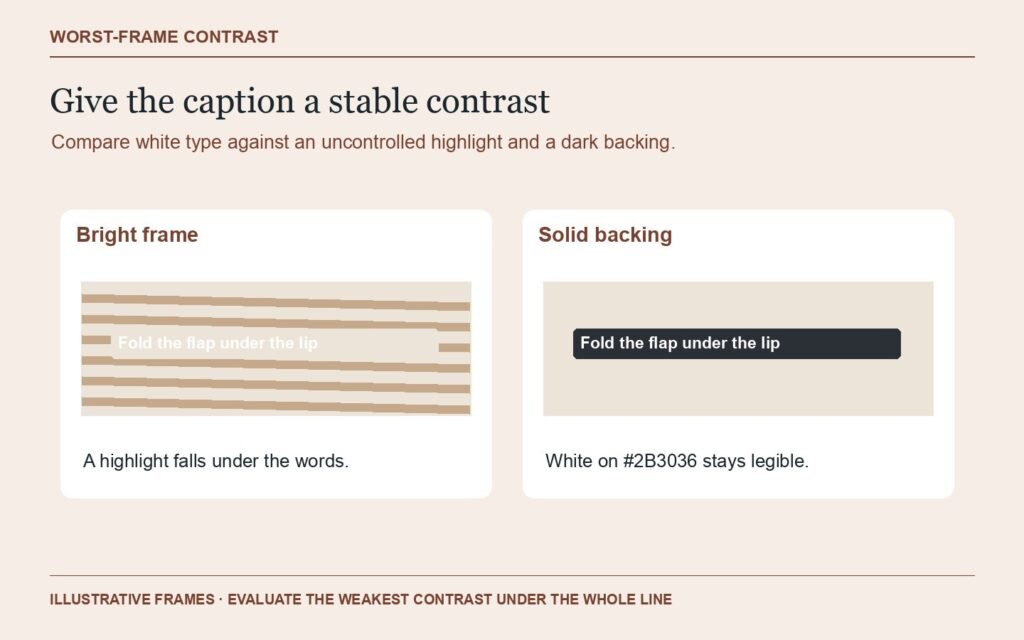
The bright patch is the hard case. Test the least legible moment under the complete caption line.
Confirm whether a short title has an actual job while captions are running. The title can identify the task at the beginning, then disappear before instructions fill the frame. Keep line breaks at natural phrases so viewers do less work tracking what belongs together. When a sentence has two parts, time them with the action if the editing app gives you that control.
Compare two framing sketches before committing
Imagine a 12-second clip showing an artist folding a paper mailer. The first sketch places the caption low, on top of the fingertips and the new fold. The second places hands and paper slightly left and leaves space to the right of the reveal. A temporary diagram shows that captions can stay in one area for most of the action. On the final phone preview, a two-line caption wraps across the right-side space, so use a slightly higher placement that stays clear of both hands and the platform buttons.
For a generated background, draft the layout with a reference still and leave the caption area empty. Uyo’s photo-to-video workspace can turn a still into a short clip with a described movement. Add the words in a video editor so you control spelling, timing and contrast. Inspect the generated movement before building captions around it.
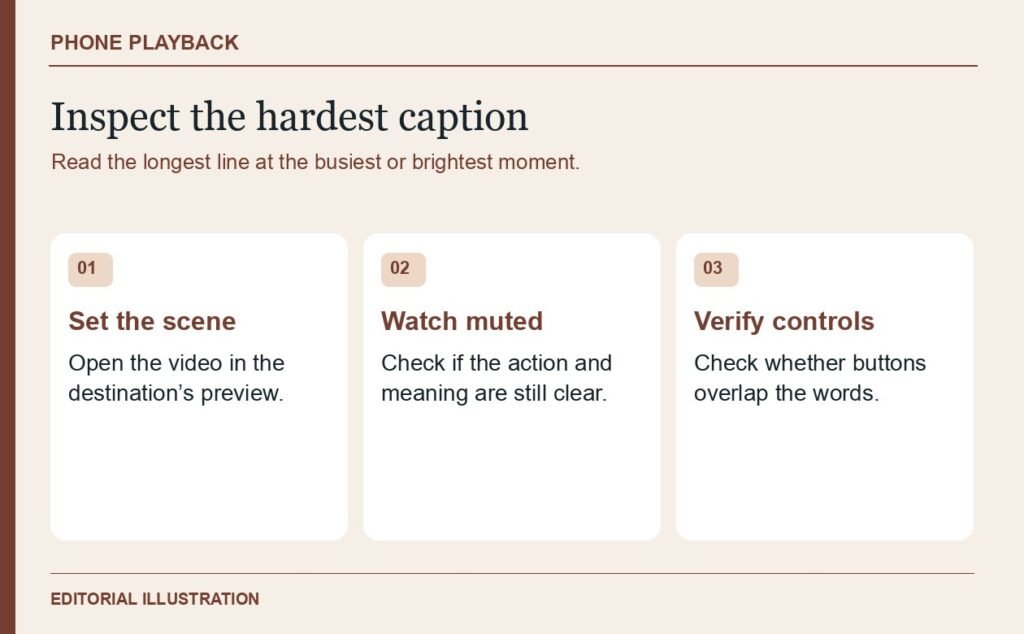
A caption that works at a desk can need adjustment on a phone.
Play the result muted on a phone at normal speed. Check that the words stay readable, that the frame makes sense without sound, and that the viewer can still see the crucial action. If those three checks fail on a single beat, fix the placement or timing for that beat and play again.
Keep the caption layout with the project. Save a screenshot for the main placement and an alternate for versions with different framing. When the same clip is reused with a translation, review the longest translated line in the preview again. A short line in English may need extra room in another language. If it no longer fits the quiet area, shorten the caption at a phrase boundary or move it before approving the new export.

 Welcome to CreativeGeneralist.com, your premier destination for authentic news, captivating stories, and insightful posts curated from across the globe. We meticulously select diverse content to inform, entertain, and inspire.